

BACKED BY
13,000+
KICKSTARTER BACKERS


Get Master of Realms
Personal access · One-time purchase · No subscription


Create worlds, regions and cities—then export for VTT, paper maps or 3D printing.
Create for VTT, paper maps or 3D printing.
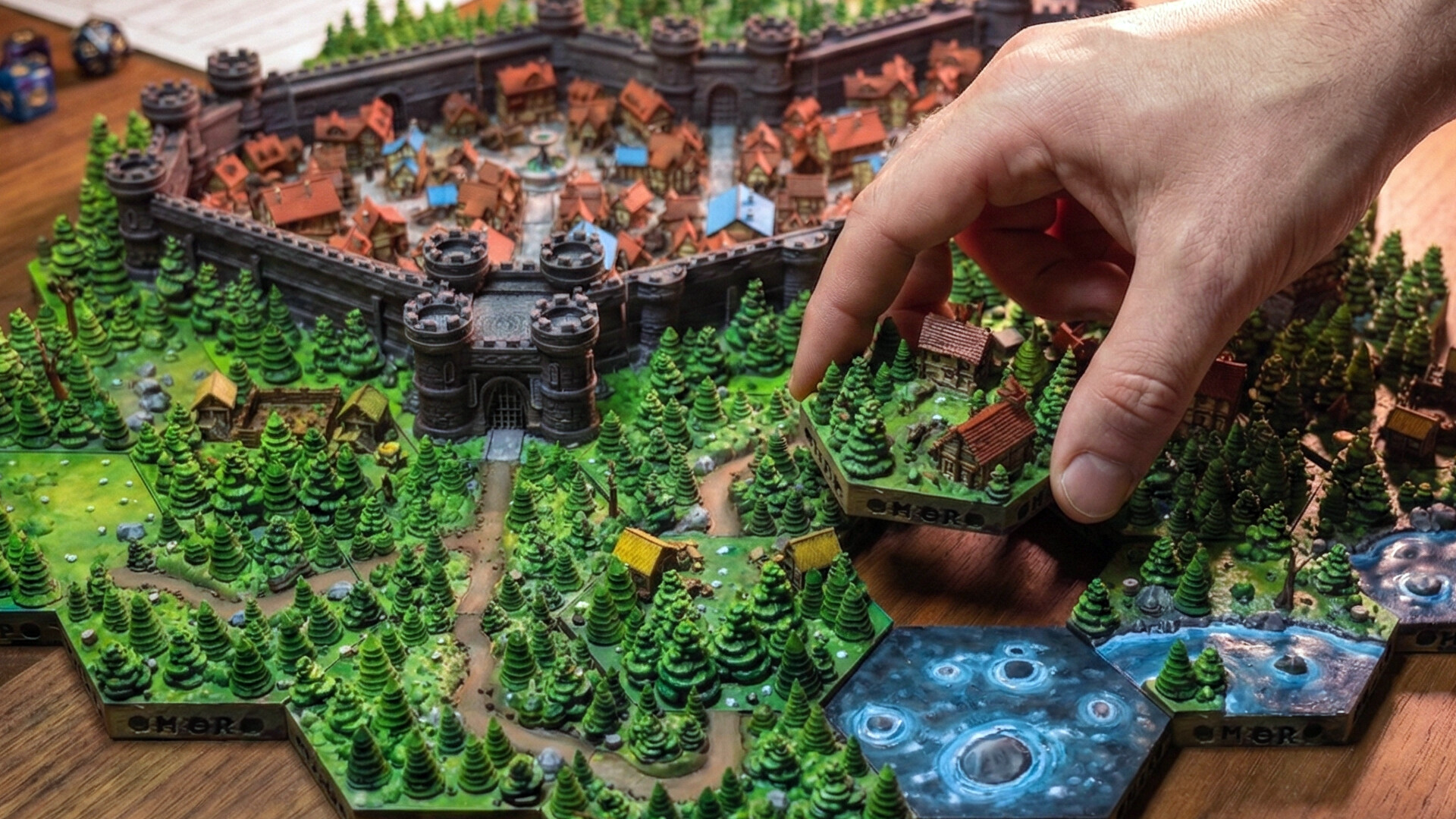
1DesignBuild your world with powerful tools
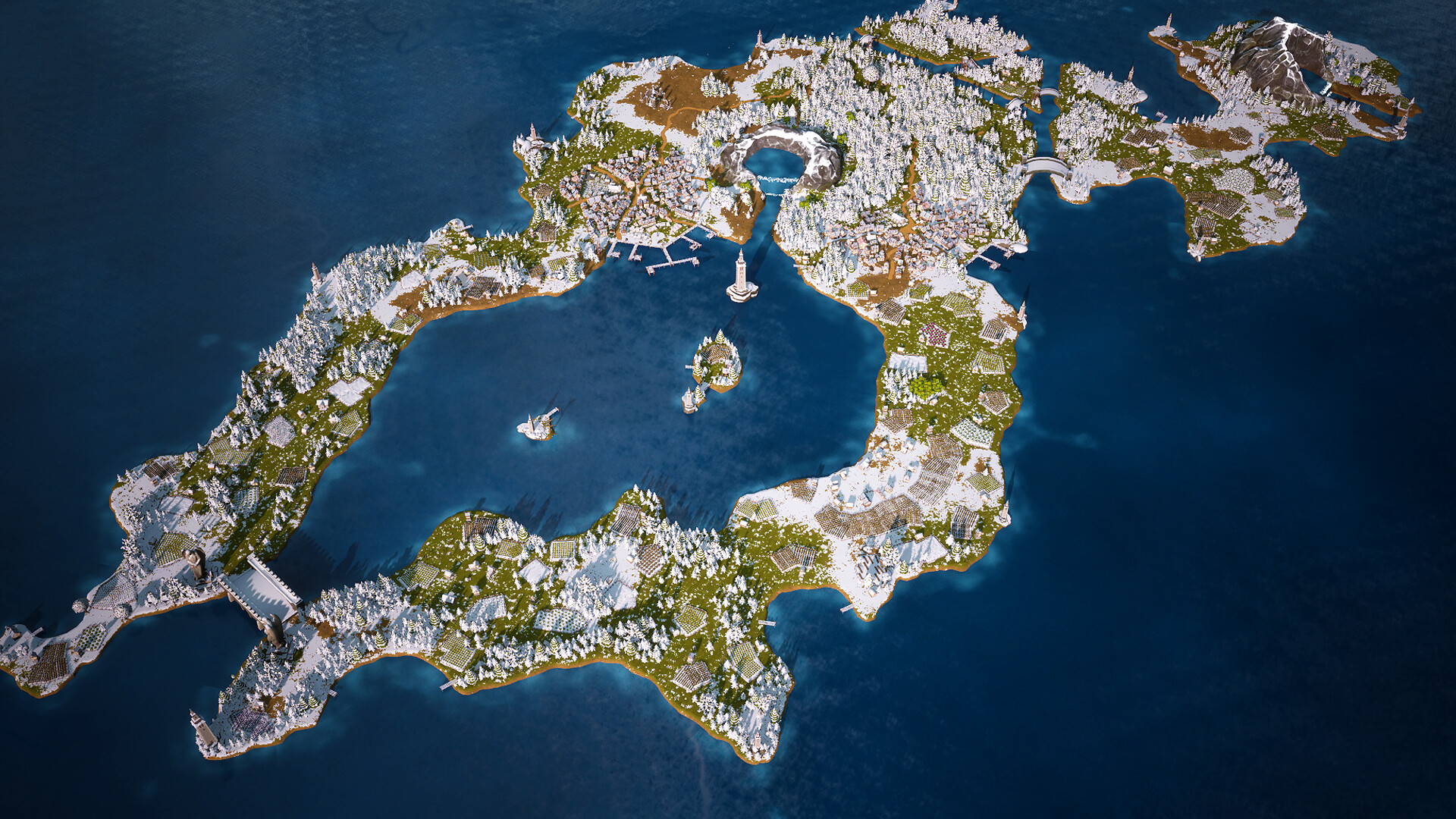
2Export 2D / VTTReady for Foundry, Roll20 and more

33D PrintExport STL and bring it to life

4PlayPerfect for tabletop RPG sessions
Short official demonstrations show the map editor, customization, VTT exports, printable STL workflow, and character-scale exploration.
Move from world and regional maps to detailed cities and towns in one visual tool.
Create tiles, place objects, and control scale and composition to match your campaign.
Prepare 2D JPG, PNG, and VTT maps with square or hex overlays for online sessions.
Turn the same world into detailed 3D-printable terrain for play or display.
Use scalable character tokens to inspect scenes and create more immersive encounters.
Master of Realms turns mapmaking into four approachable steps. Start with a mode and tile set, build with smart tools, add your own details, and export the finished realm wherever you play.

Select a map mode, tile set, grid style, and scale for a world, region, city, town, or encounter.

Paint terrain, roads, rivers, biomes, and settlements while Master of Realms intelligently assembles the map.

Edit individual tiles, place objects and character tokens, and import custom assets to make the realm your own.

Save your project, then export for VTT sessions, paper maps, 3D-printable STL terrain, or community sharing.
Explore the map editor, custom assets, character-scale views, export tools, and terrain-ready workflows.
Concise, paraphrased highlights from positive Steam recommendations. Review sentiment can change as new feedback is published.
Values the ability to create entire cities and continents, especially because most map tools concentrate on individual dungeons.
About 2 hours at the time of reviewHighlights the rich object library, relaxing building experience, and freedom to create maps and custom gameplay scenarios.
About 3 hours at the time of reviewCalls it the strongest Steam mapmaking tool they have found and particularly values printing personally designed maps for tabletop players.
Community recommendationRecommends it for town and city maps and finds the exported maps pair well with encounter-focused tools.
More than 7 hours at the time of reviewFound the controls intuitive and the resulting maps visually impressive, while noting the benefits of continued tile and effect updates.
About 3 hours at the time of reviewReal worlds, physical tiles, and tabletop builds shared by Master of Realms makers.
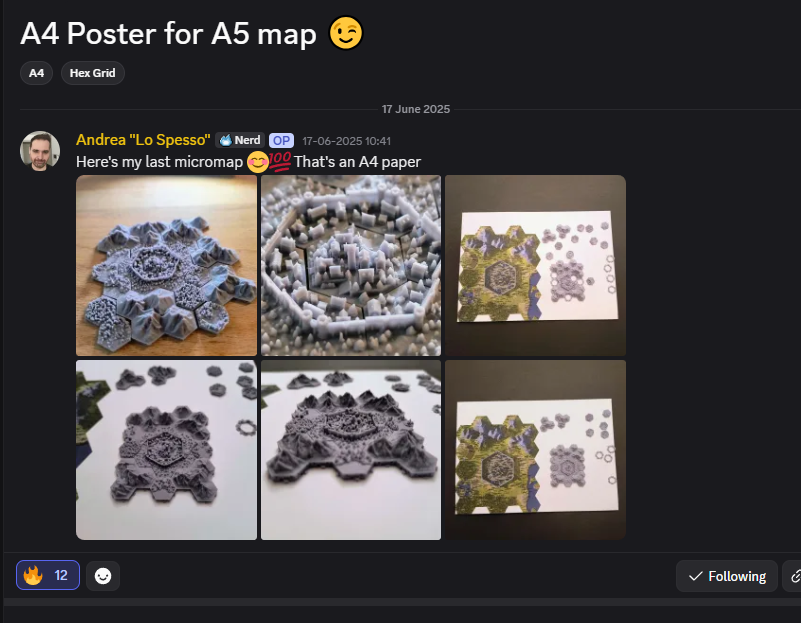 6 community photos
Here’s my last micromap 😋💯 That’s an A4 paper.
 3 community photos
Here is the start of my 450-tile map/city.
So far it has been around 100 hours of printing and the same for painting. First time painting as well, and I’m really happy with how it turned out.
 5 community photos
Hello everyone, I tried to 3D print the plates at 125% in CoPET. Supports took a long time to clean, but the finished tiles show the map at a larger tabletop scale.
Master of Realms supports Windows, macOS, and Linux. Performance depends on map complexity and visual settings.
Minimum: Windows 10, Core i5 5th generation, 16 GB RAM, GTX 1060, DirectX 12, and 6 GB storage.
Recommended: Windows 11, Core i5 9th generation, 16 GB RAM, RTX 2060, and 6 GB storage.
Minimum: Apple M1 GPU or AMD Radeon Pro 5500M, 16 GB RAM, and 6 GB storage.
Recommended: Apple M2 or Apple M1 Pro with 16 GB RAM.
Minimum: Intel Core i5-8600 or Ryzen 5 2600, 16 GB RAM, GTX 1080 or RX 5700, and 6 GB storage.
Recommended: Intel Core i7-8700 or Ryzen 5 3600 with RTX 2060-class graphics.
Buying directly gives you a Master of Realms Steam key while allowing more of your purchase to support the independent studio behind it. Third-party marketplaces charge platform and transaction fees. Direct revenue helps fund continued development, new creative assets, performance improvements, customer support, and the long-term future of Master of Realms.
If you want to support the creators as directly as possible, purchasing here is the most helpful option.
Open the Steam desktop application, choose Games → Activate a Product on Steam, enter the supplied key, and follow the installation prompts.
Your Shopify email confirms the order. Steam-key delivery instructions arrive in a separate secure delivery email after payment; no physical item is shipped.
Yes. Activation and installation require the free Steam client, a Steam account, and an internet connection.
The official listing supports Windows, macOS, and Linux. Review the system requirements before purchasing.
Yes. Master of Realms is in active development, with features continuously implemented and optimized.
Master of Realms Personal and Commercial License purchases have a 15-day refund window. Approved refunds end the related Steam key, software access, and license rights. Review the complete Refund Policy for details.
